
Wakelet
- Nov 18, 2019
- 1 min read
Updated: May 12, 2020
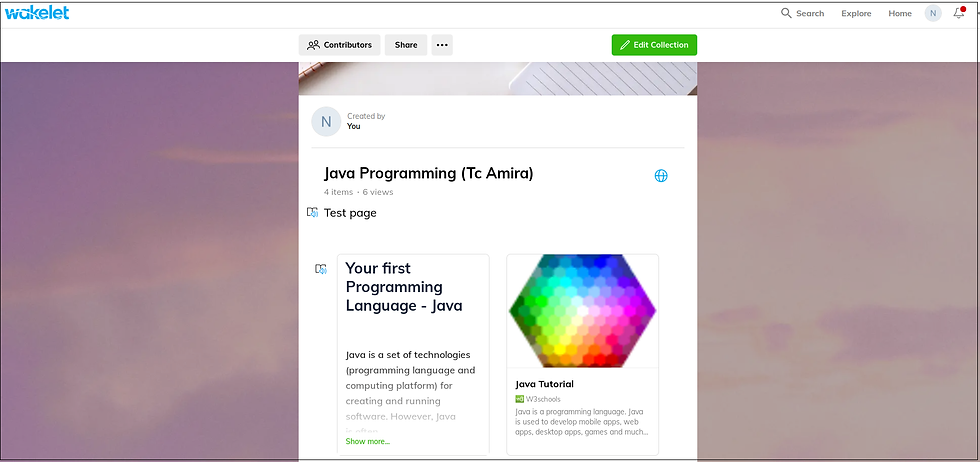
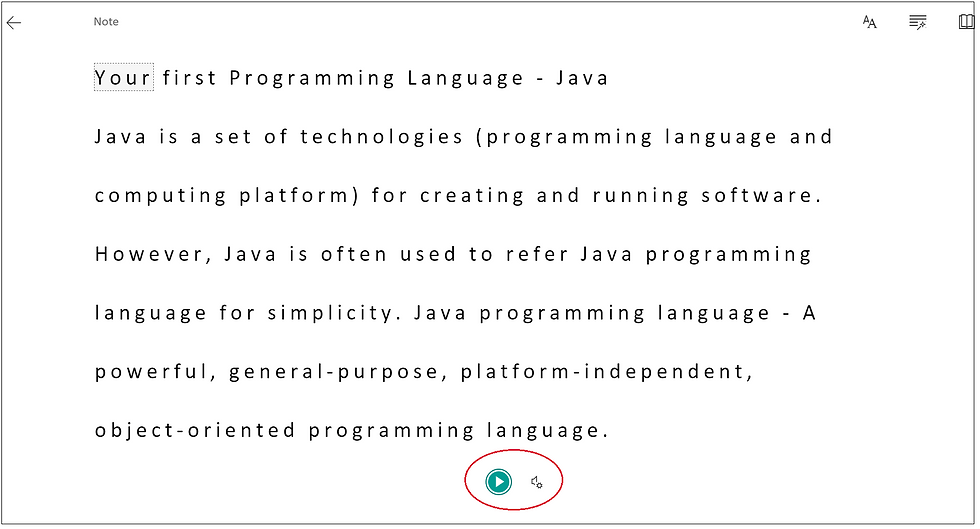
Instead of presenting work with common way of using slides, now anyone of us can share resources through Wakelet. Thus sharing can be done among teachers and students. Thus teacher can invite other teachers to collaborate with each other. Wakelet is also provided with immersive reader especially for dyslexia concerns.
Website: https://wakelet.com/
Tools: A collection of URL, Text, Youtube, Tweets, Bookmarks, Image, PDF, Google Drive, Flipgrid Video
Steps:
Sign up account
Log in account
Create new collection
Add necessary resources
Share collection
Invite collaborator/s (optional)
Done!



Comments